You haven't signed in yet, you can have a better experience after signing in
*Please complete the payment within {{receiveCouponInfo.expire_at}}Previous use*
You haven't signed in yet, you can have a better experience after signing in



Activity Rules
1、Activity time:{{ info.groupon.start_at }} ~ {{ info.groupon.end_at }}。
1、Activity time:cease when sold out。
2、Validity period of the Group Buying:{{ info.groupon.expire_days * 24 }} hours。
3、Number of Group Buying:{{ info.groupon.need_count }}x。
Please Pay Attention
1、Teamwork process: Join/initiate a Group Buying and make a successful payment - Within the validity period, the number of team members meets the activity requirements - Group Buying succeeded!
2、If the number of participants cannot be met within the valid period, the group will fail, and the paid amount will be refunded in the original way.
3、The number of people required and the time of the event may vary among different products. Please pay attention to the rules of the event.
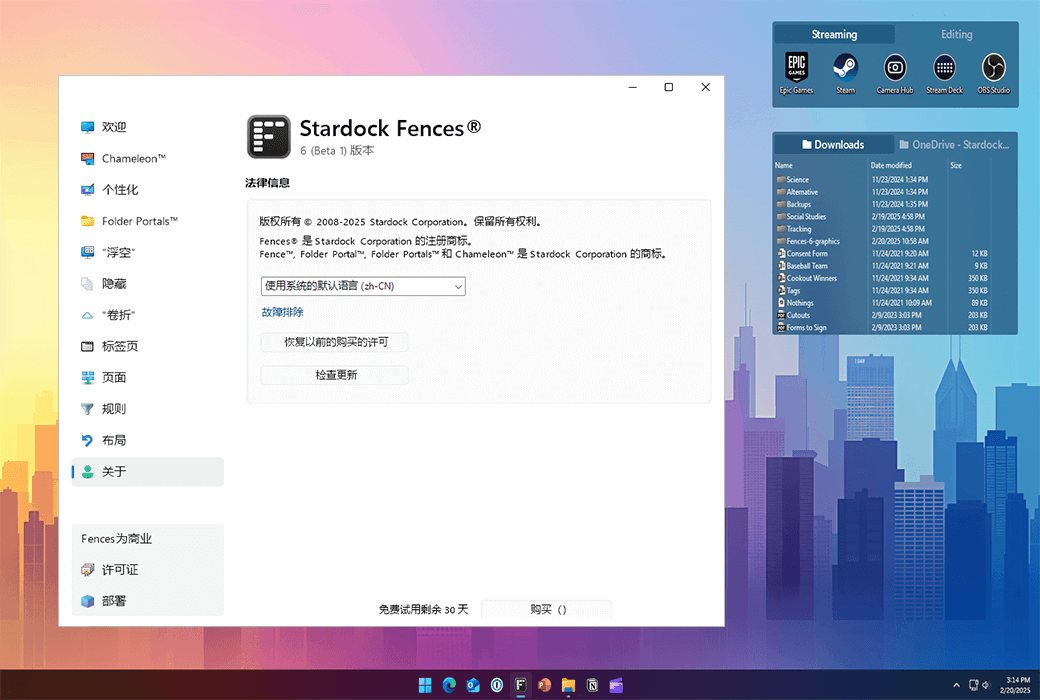
Fences 6 Desktop Icon File Organizing Tool Software


Automatically organize your desktop applications, files, and folders on Windows 10 and 11.
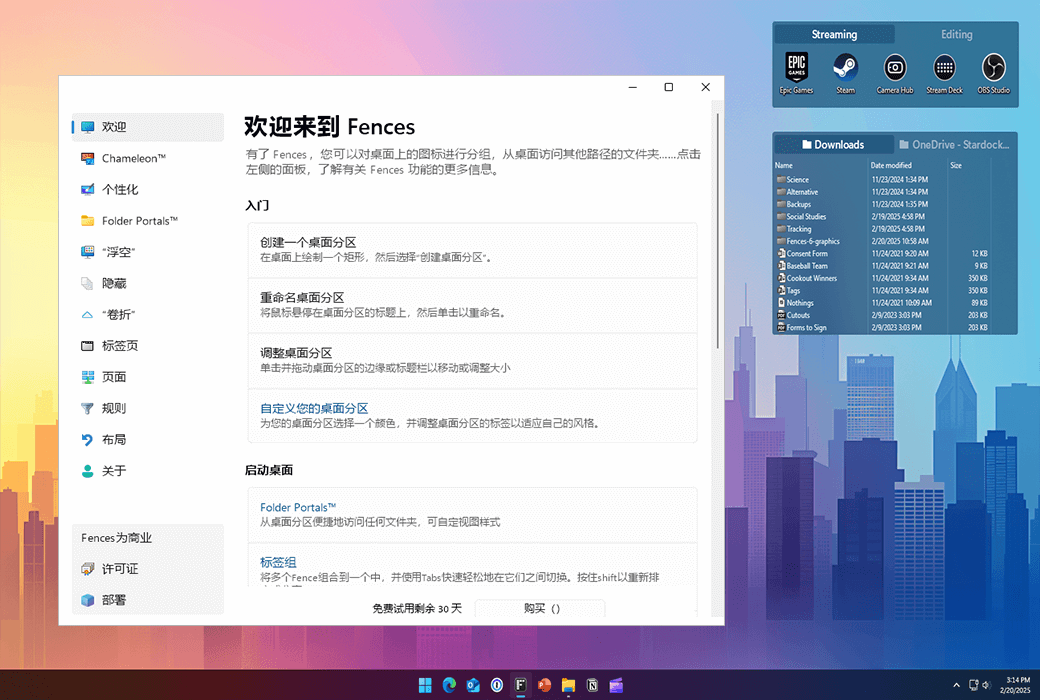
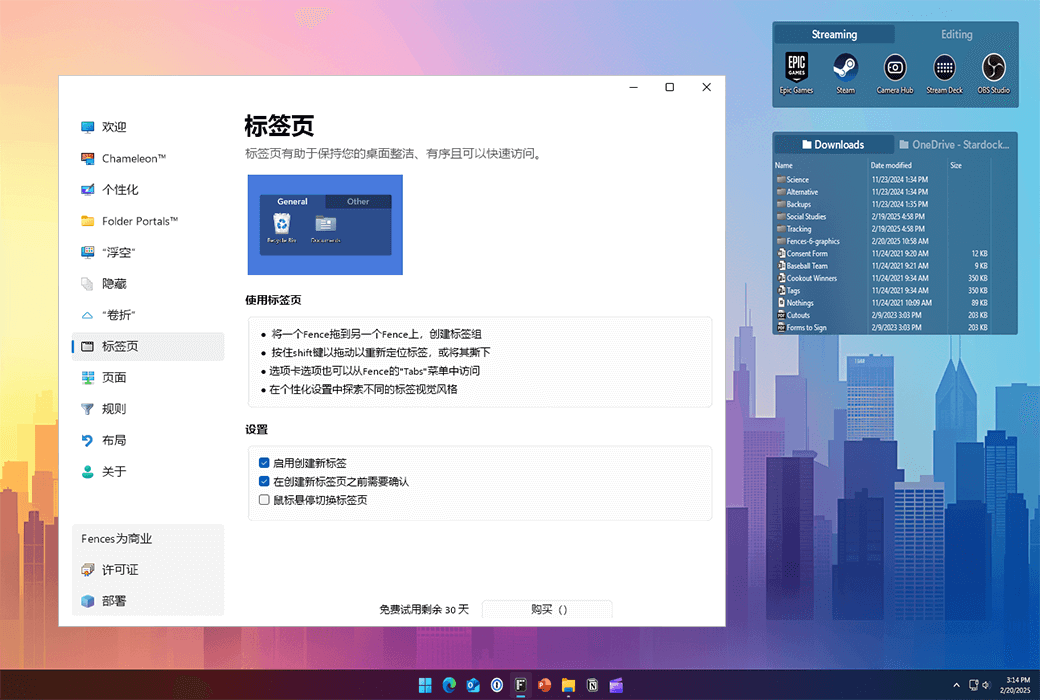
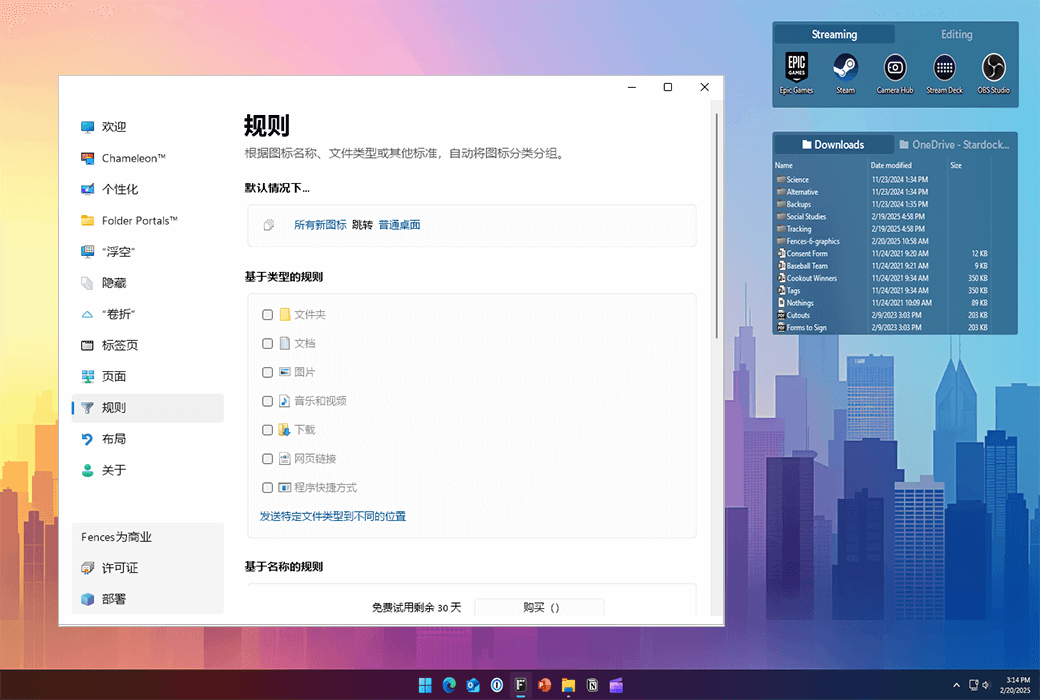
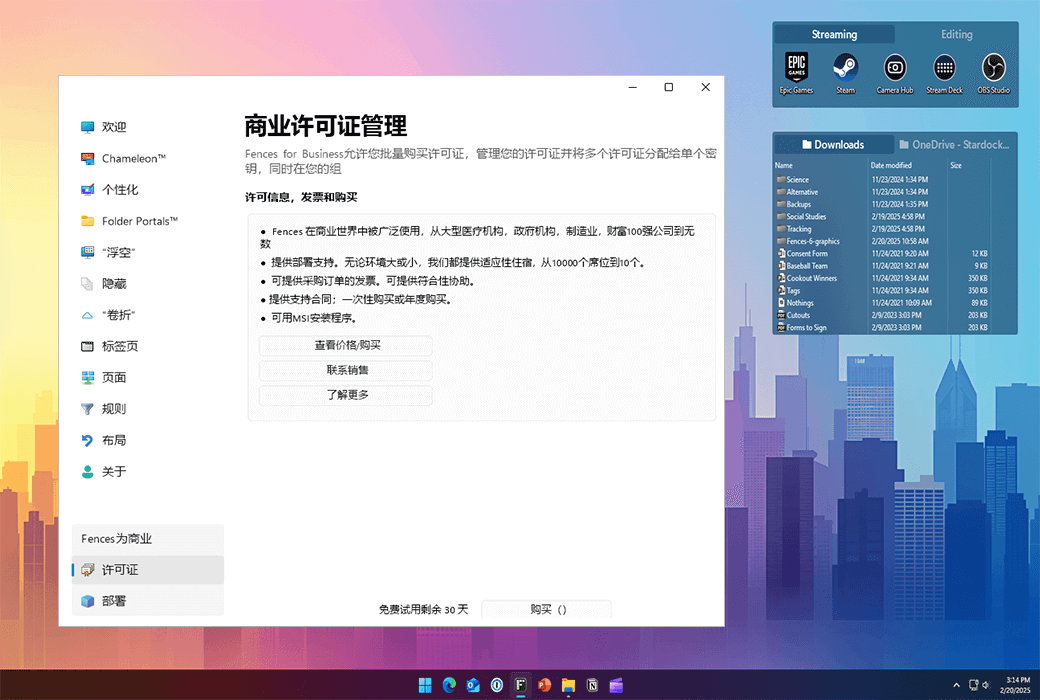
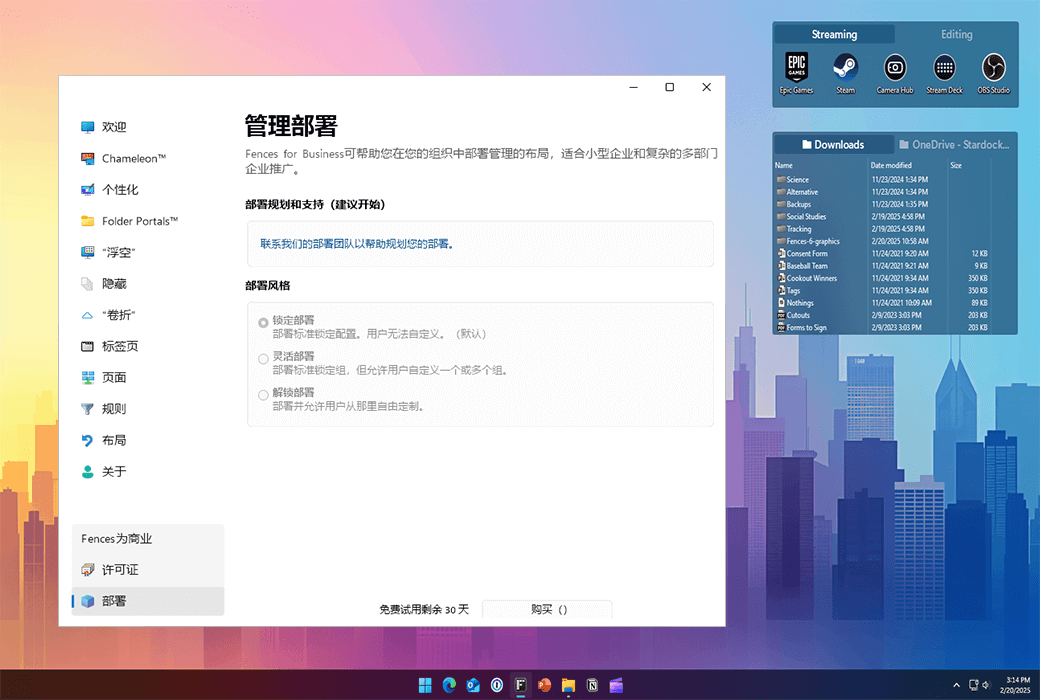
Fences 6 introduces tabs, which allow you to place multiple fence groups in a tab style experience for modern layouts. With the ability to dynamically add and remove tabs, Fences 6 continues to improve as the best desktop organization tool for Windows.
characteristic
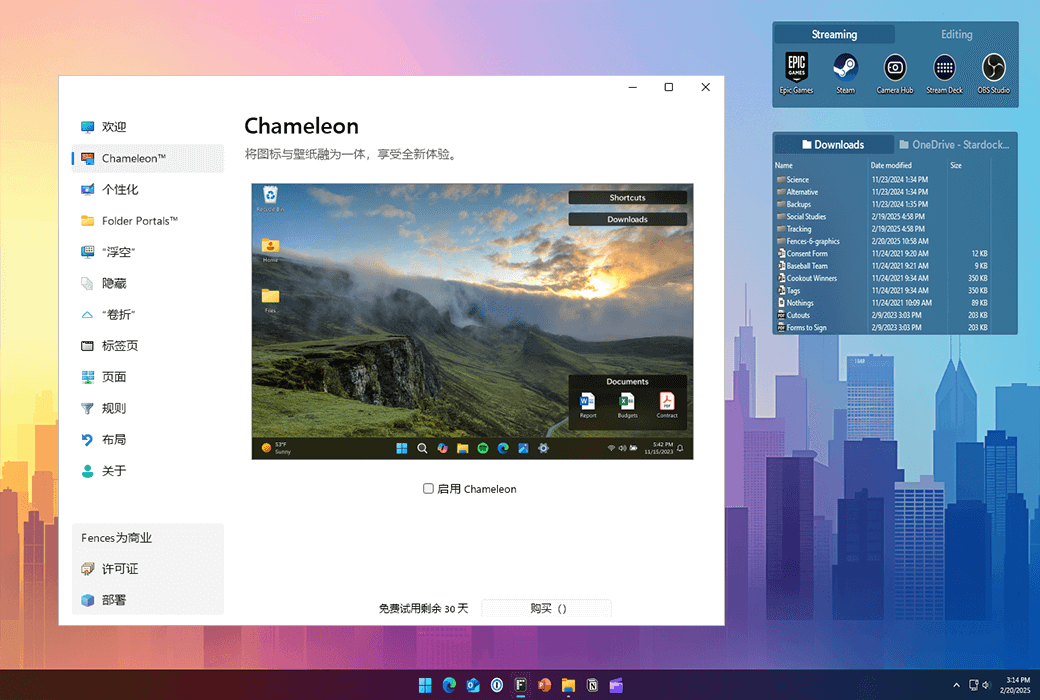
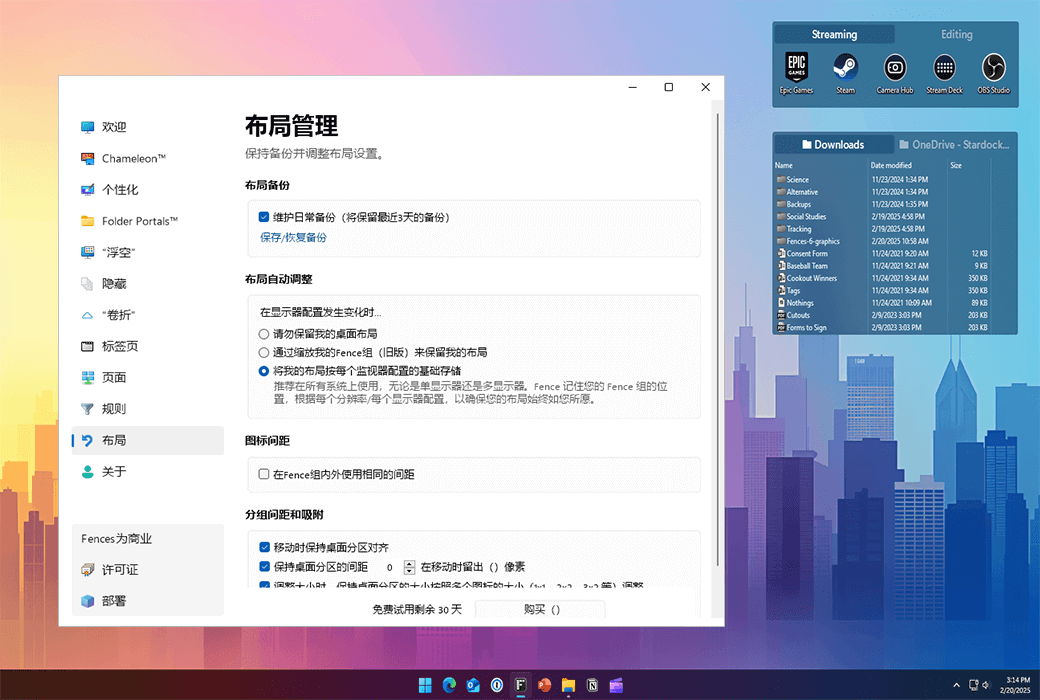
Organize your PC by automatically placing shortcuts and icons in an adjustable shaded area called Fences on the desktop. Fences has many customizable features, making it a popular desktop enhancement feature.
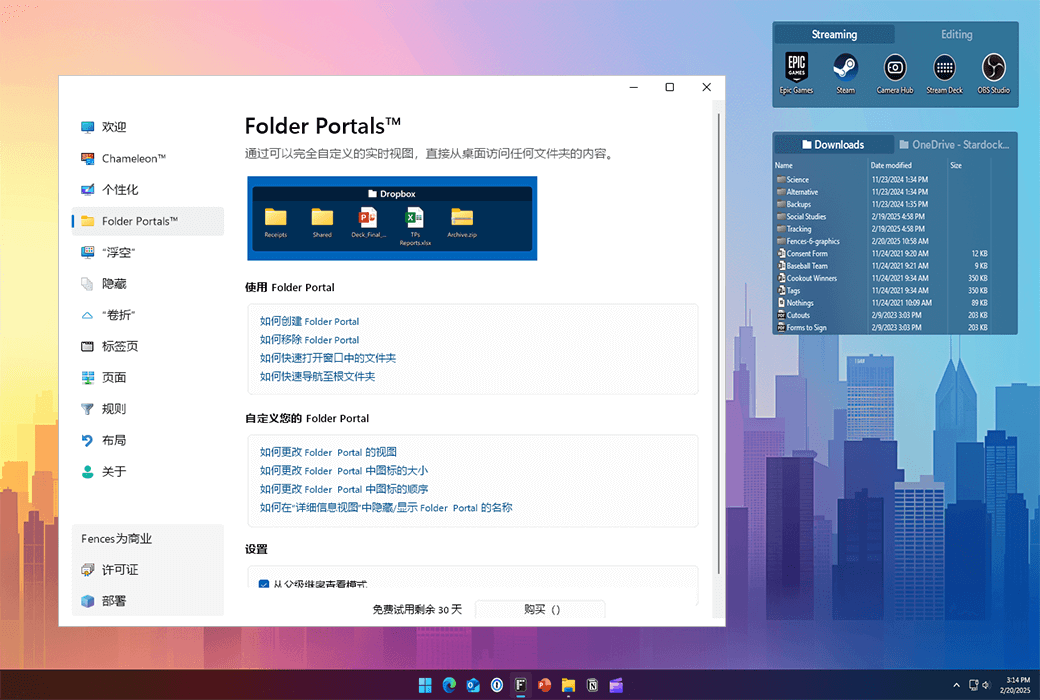
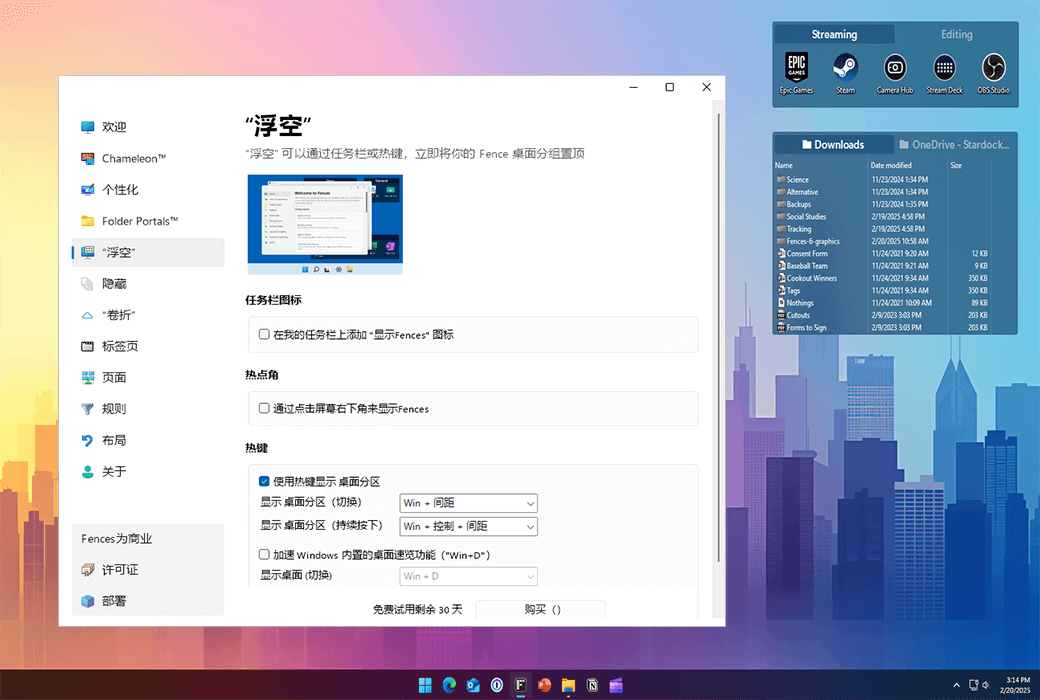
Use Peek to immediately access your files, folders, and applications by pressing Winkey+Space to place your Fences at the top of all windows. Save time and improve work efficiency by creating a folder portal, allowing access to commonly used content at a glance.
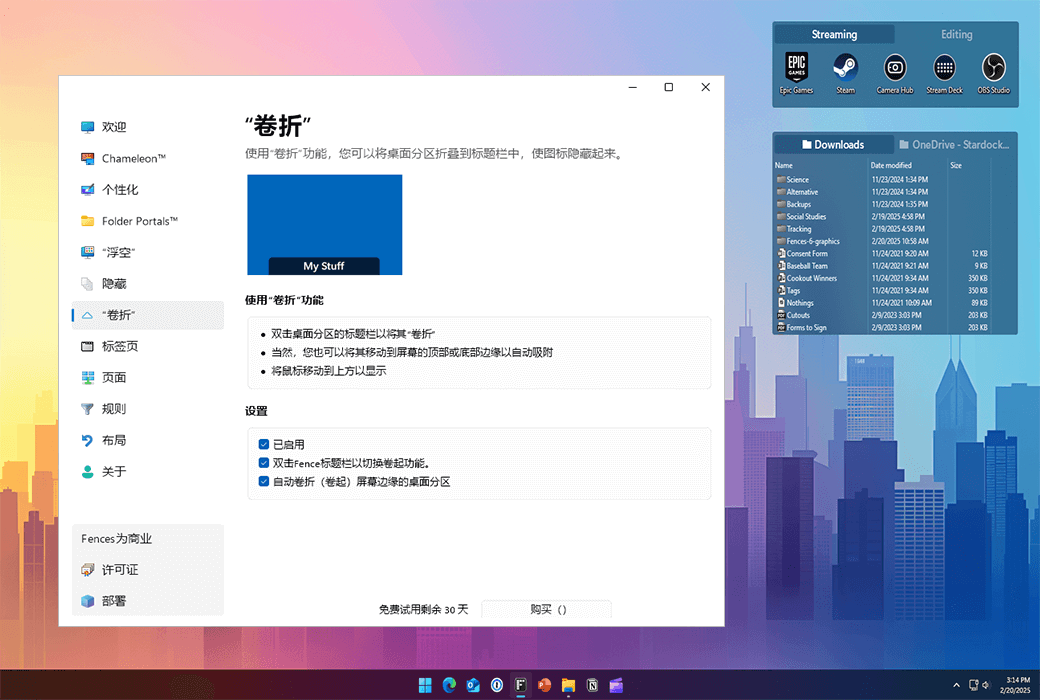
Eliminate clutter on the desktop, but use our roll up feature to place Fences in an easily accessible location! Double clicking on the title bar of Fences will 'roll up' the rest of the Fences into it, saving you valuable space on your desktop. To display your Fences, you can move the mouse over the title bar or double-click it again to view all icons normally.
Fences can serve as a portal for any folder on a PC. For example, your document or image folder can be mirrored onto your desktop as Fences, allowing for quick access to its content without making your desktop cluttered.
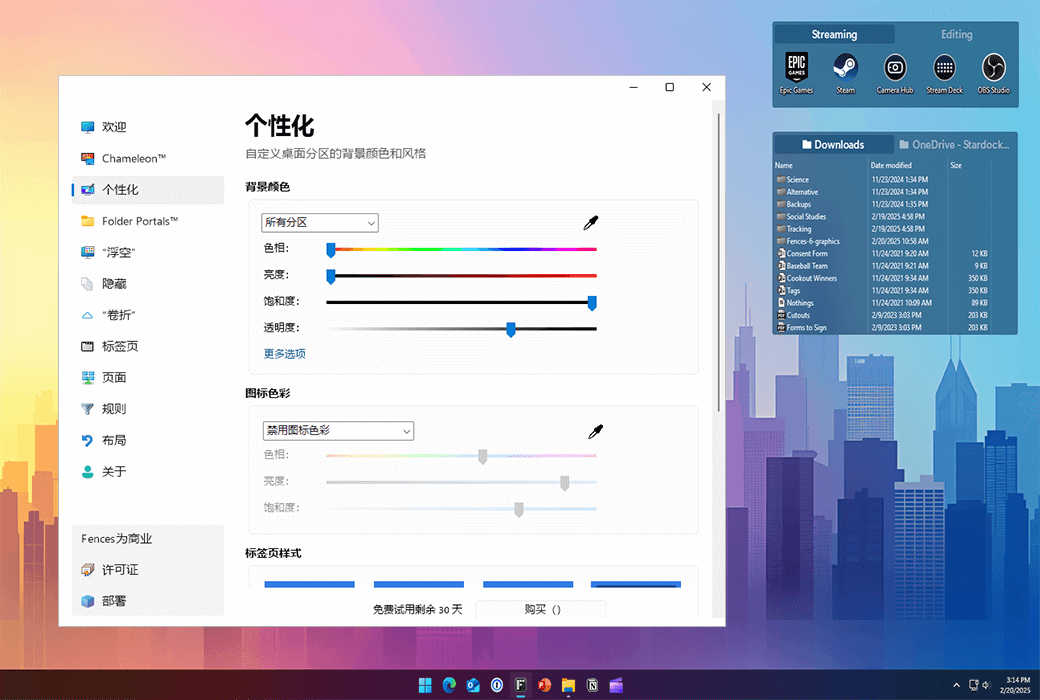
Quickly personalize Fences' labels, background colors, and transparency from an easy-to-use configuration menu.
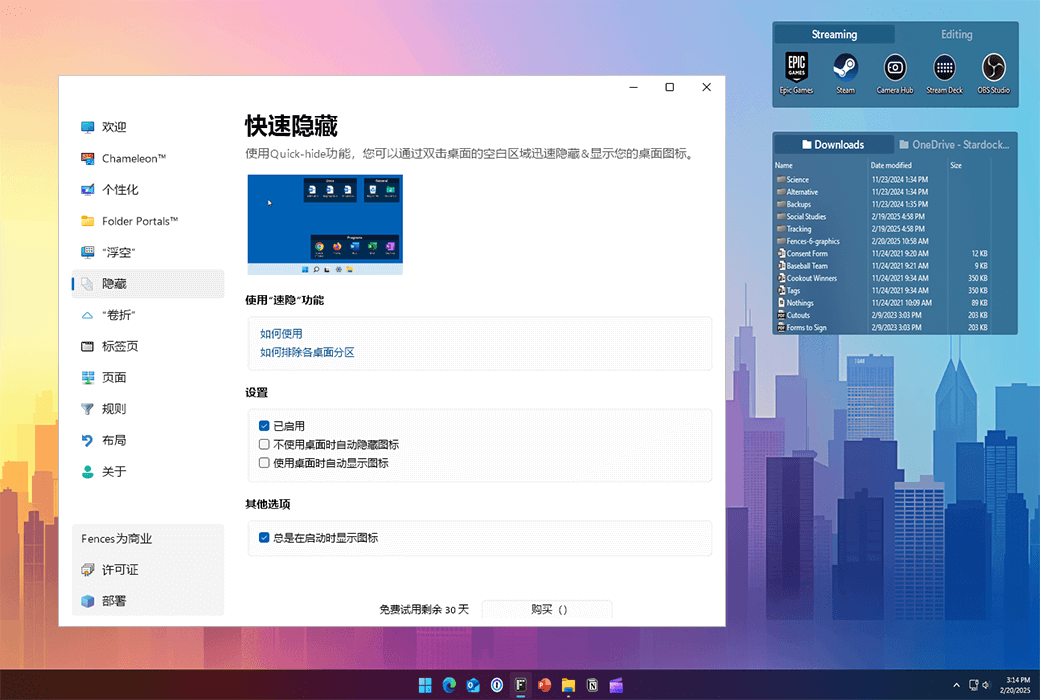
Clean up your desktop immediately. Double click any blank area on the desktop, and the desktop icon will fade out. Double clicking them again will return. You can even choose the icons to exclude and individual Fences.
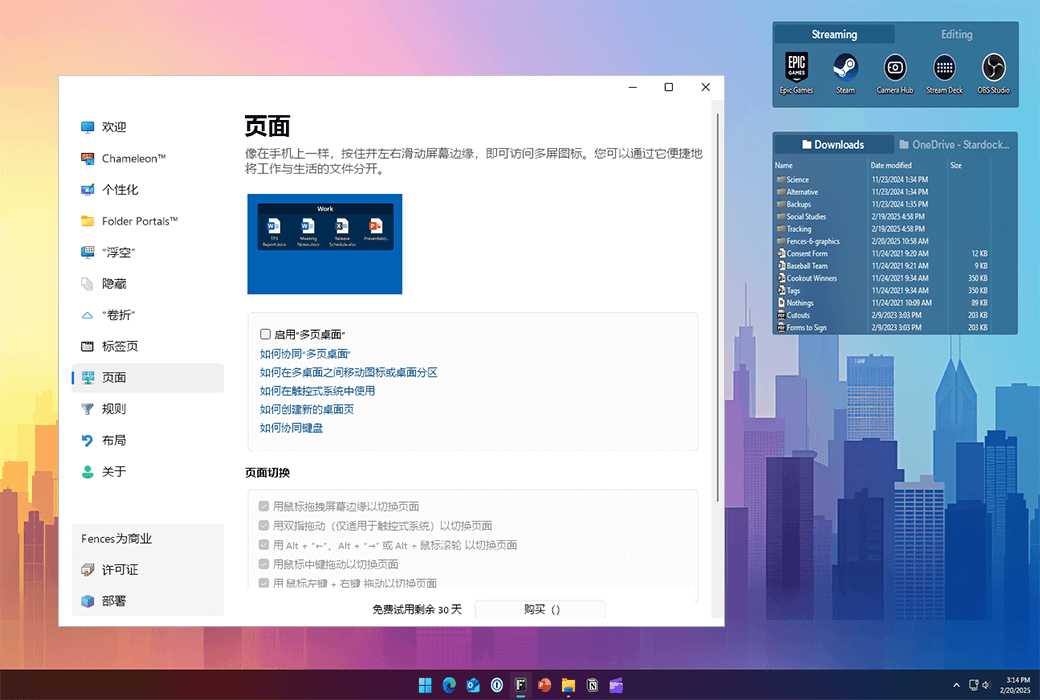
Create multiple pages of Fences on the desktop and quickly swipe between them. To switch to different desktop pages, simply move the mouse cursor to the edge of the screen and click and drag. Then a new fence page will be displayed. This feature allows you to better control how you organize your favorite programs, documents, websites, and more.
官方网站:https://www.stardock.com/products/fences/
发货时间:24 小时自动发货
运行平台:Windows
界面语言:支持中文界面显示,多语言可选。
更新说明:支持小版本升级更新,如:6.x
买前试用:购前可免费试用 30 天。
如何收货:购买后,激活信息会以邮件的形式发送到下单时的邮箱,同时可在个人中心,我的订单中查看对应的产品激活码。
设备数量:可安装 1 台电脑。
更换电脑:原电脑反激活并卸载,新电脑登陆账户激活。
激活引导:注册账户,绑定许可证:https://identity.stardock.com/new-account
特殊说明:系统要求:Windows 11/10

Any question

Hello, when your computer does not have a network, you can apply for an offline registration code through the following website:https://activate.stardock.com/SASAct.aspx